I get this question a lot.
“What AI tools do you use?”
So here’s my actual answer. Not a curated list. Not sponsored picks. Just what I’ve settled on after trying a bunch of stuff, switching around, and wasting time figuring it out.
Before the tools — the mindset
I don’t use AI to replace my thinking.
I use it to
- move faster
- handle the boring stuff
- think through things better.
That’s it. I’m still in control of the actual work.
Okay. Let’s get to the AI tools.
1. Cursor — for coding
This is my main editor. It’s AI-powered, but it still feels like coding — which matters to me.
I’m not just prompting and copy-pasting. I’m still reading the code, tweaking things, debugging manually.
Cursor just sits alongside that and helps when I need it.
I tried Claude Code. Too abstracted for how I like to work. I don’t want to lose touch with what’s actually happening in the codebase.
2. Claude — for thinking and planning
This is where I go when something needs structure.
Not just writing — actual thinking. Script refinement, planning, and breaking down a messy idea into something usable.
One thing that genuinely surprised me is this.
I uploaded three months of bank statements and asked it to build a budget plan. What came back wasn’t generic advice. It broke everything down — investments, family expenses, subscriptions, my editing team costs, where I’m overspending, and where I can cut.
I really needed it, and this is just one example.
That’s how I use Claude — to do all the heavy-lifting tasks that can be automated.
3. ChatGPT — for everyday questions
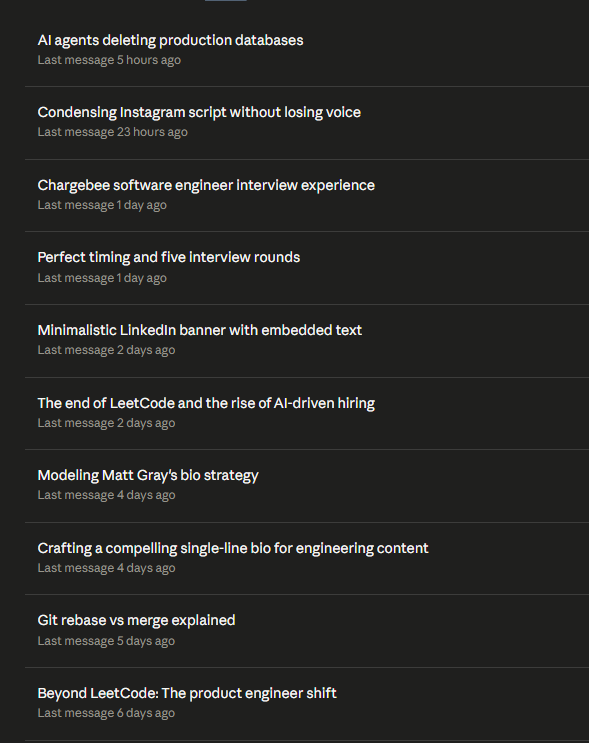
This is my default tab. Always open.
Not for big tasks. More like having someone to think out loud with. Random questions, learning new concepts, quick research, clarifying something I half-understand.
Recent discussions:
- What BFF actually means in backend architecture (not best friends forever 😄)
- Difference between document and XHR/fetch requests
- Figuring out how to plan my week.
Small stuff, but it adds up.
4. Gemini — for visuals
Honest answer: I mainly use it for Nanobanana.
Headshots, image edits, and color grading. That’s my use case.
Sometimes a quick search, but mostly visuals.

5. Perplexity — for going deeper
When I don’t just want an answer but actually want to understand something, I open Perplexity.
Reading API docs, understanding what a product actually does, and exploring something like the stock market properly. It’s like Google search, but it doesn’t make you do all the work yourself.
6. Ideogram — for image generation
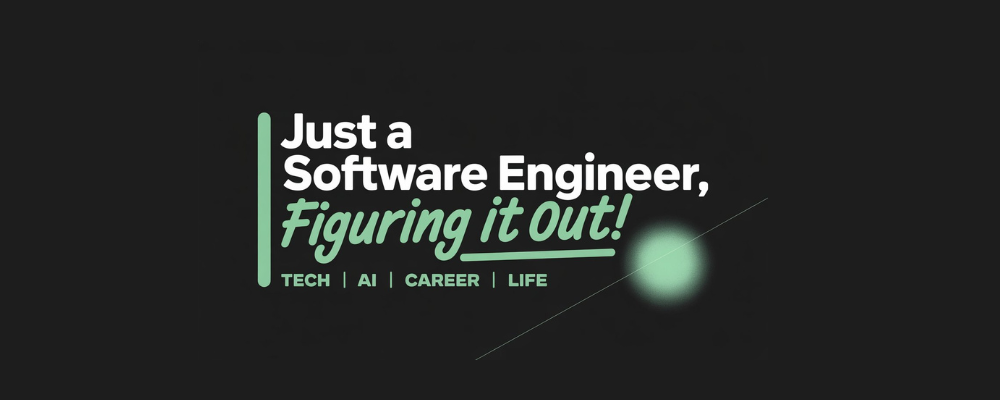
Underrated tool. I use it for Substack banners, LinkedIn posts, and my LinkedIn banner.
The reason I keep coming back: it handles text inside images really well. No broken words, no weird spelling. Just clean output. That’s rare.
Why this setup?
Each tool has one job.
- Cursor → building
- Claude → thinking and planning
- ChatGPT → learning and quick questions
- Gemini → visuals
- Perplexity → deep research
- Ideogram → design
I’m not trying to make one tool do everything. That never works well.
This is just what works for me right now. It’ll probably change. But if you’re building your own setup, hopefully this saves you some of the trial and error I went through.
Start simple. Pick one or two. Figure out what actually fits your work — then build from there.