If you think WhatsApp Web uses APIs to fetch your chats, you couldn’t be more wrong.
Few years back, WhatsApp Web did nothing but just serve the chats from your WhatsApp application into your browser — Like mirroring. That’s it.
So, WhatsApp Web used to be completely dependent on your phone. If your phone were offline, WhatsApp Web would stop working too.
But now it’s different. It’s entirely dependent except for the authentication part.
1. QR Code Authentication
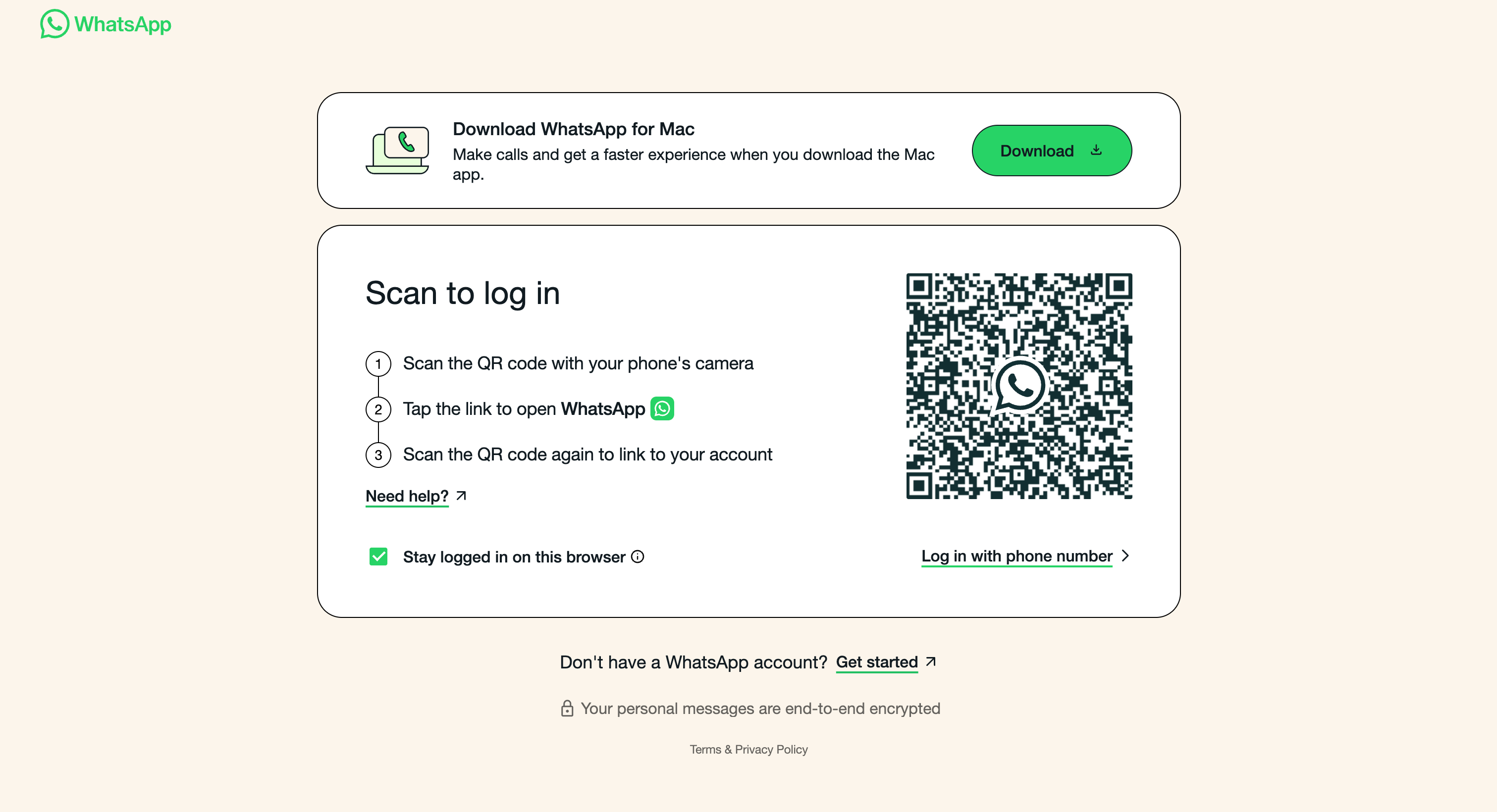
The first thing you see when you visit WhatsApp Web is a QR code. What the heck is this QR code??
Behind the scenes, the browser immediately connects to the Whatsapp servers by opening a websocket connection. It’s a two-way connection protocol where the client can send messages to the server, and the server can send messages to the client.
Now, the server returns with the temporary login session details (Ex: session_id, login_id, device_id) which is then encoded into a QR Code format. That’s what you see on the screen.
This basically says, your browser is ready to connect to anyone’s whatsapp account.
2. Linked Devices - Scanner
When you visit the “*Linked Devices”*from your WhatsApp application, you open up the QR Code Scanner, which is responsible for authenticating Browsers or other sources to give access to your WhatsApp account.
Behind the scenes, when you scan the QR, the WhatsApp application decodes the QR, gets the details, and requests the WhatsApp server to approve the browser’s access.
Then the WhatsApp server links your browser to your WhatsApp account, hence you see it in the linked devices.
Then, through the same web socket connection, Whatsapp Server sends the login credentials to the respective browser & the browser logs you in.
That’s literally the whole process.
If you have experimented with ClawdBot, it pretty much does the same thing. Nothing fancy. To connect to WhatsApp, it displays a QR code, and then you scan it from your Linked Devices. The same process happens behind the scenes.
Here are some follow-up questions you can ask yourself!
- Why use QR? Why not just use a simple OTP-based login like Instagram?
- Can any QR code scanner work on this QR code, or just the WhatsApp app’s scanner?